
解决群晖换了引导后,控制面板打不开
RR_Changelog
补充:
因为新的cpuinfo和旧的cpuinfo修改的原理不一样,所以会产生冲突,如果升级之前开启过cpuinfo(旧的),升级后可能会遇到控制面板打不开的问题。
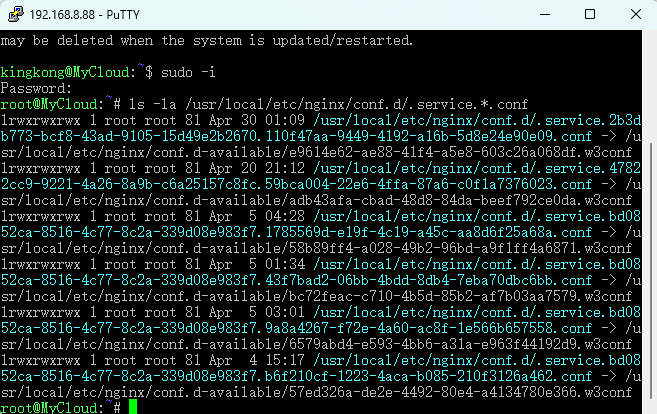
请执行以下命令还原控制面板的js,还原后控制面板则可以打开,重启后新的cpuionfo插件生效。
或者强制重新安装,grub菜单选'Force re-install DSM'.
Replenish:
Because the principles of new cpuinfo and old cpuinfo modification are different, conflicts will occur.
lf cpuinfo (old) was enabled before the upgrade, you may encounter the problem that the control panel cannot be opened after theupgrade.
Please execute the following command to restore the js of the control panel.After the restoration,the control panel can be opened.
After rebooting, the new cpuionfo addons will take effect.
Or force reinstallation,select 'Force re-install DSM' from grub menu.
shell
curl -kL https://mirror.ghproxy.com/https://github.com/RROrg/public/releases/download/public/admin_center.js.gz -o /usr/syno/synoman/webman/modules/AdminCenter/admin_center.js.gz
cp -f /usr/syno/synoman/webman/modules/AdminCenter/admin_center.js.gz /usr/syno/synoman/webman/modules/AdminCenter/admin_center.js.gz.bak